On a Mac with Apple Silicon, both run models on the graphics chip through Metal. Pick llama.cpp for the widest choice: version 0.8.0 has code for 27 of the 28 models in our catalogue, mlx-lm 0.32.2 for 22, and each of the 28 has a ready GGUF file. Pick mlx-lm for MLX builds, Python scripts and LoRA fine-tuning.
That is the short version, and we like it because it comes from reading code, not from a hunch. On 30 October 2026 we read the stable versions of both projects, checked the 27 models our Model Finder had that day against their code, and lined up servers, defaults and what each one sends on its own. We have not raced them with a stopwatch, so there is no speed winner on this page; near the end you will find how to settle that on your own Mac.
 MLX (mlx-lm)Runtime sheet
 llama.cppRuntime sheet
| mlx-lm | llama.cpp | |
|---|---|---|
| Stable version on 30 October 2026 | 0.32.2 (16 October), which installs mlx 0.32.4 | v0.8.0 (28 October), build b11960 |
| What it is | Apple’s Python package for running and fine-tuning language models with MLX | An engine in C and C++ with a command line, a server and a chat page |
| Models in our catalogue its code knows (27 on 30 October 2026) | 22 | 27 |
| File format | MLX folders (safetensors); does not read GGUF | GGUF; safetensors only after converting |
| Install on a Mac | pip install mlx-lm (Python 3.11 or newer, native ARM) |
brew install llama.cpp or the macOS ARM64 download |
| Local server | mlx_lm.server on 127.0.0.1:8080 |
llama-server on 127.0.0.1:9931 |
| Answer length if the request does not say | 512 tokens | No limit |
| Requests at once (server) | Batches requests that can be batched; 1 model loaded | 4 slots by default |
| Fine-tuning | LoRA with mlx_lm.lora |
An example its own README calls work in progress |
| What it sends on its own | Nothing; it goes out when asked (downloads and their change check, images by URL, calibration) | Nothing (no telemetry, no update check); it goes out when asked (downloads, images by URL) |
| Licence | MIT | MIT |
Two engines, no window
Neither of these is an app you double-click. mlx-lm is the Python package Apple’s MLX team keeps on top of its mlx framework: you install it with pip and talk to it through commands such as mlx_lm.chat, mlx_lm.generate or mlx_lm.server. llama.cpp is the C and C++ engine under a lot of local AI software, and on a Mac you get it with Homebrew (which serves 0.8.0 since 28 October) or as a ready-made macOS ARM64 download. Both are open source under the MIT licence, which is why we could read every line we quote here.
If what you really want is a window with a chat box, this is the wrong fight: our LM Studio vs llama.cpp comparison covers the app that runs both engines inside, and MLX vs Ollama the server that also runs MLX models. This page is for the moment you go one level down and pick the engine yourself.
The 27 we checked: llama.cpp knows all of them, mlx-lm 22
Here is the number we came for. We took the architecture each of the 27 models declares in its own config.json on Hugging Face and looked it up in the code of both projects: the conversion registry of llama.cpp v0.8.0, resolved the way its converter does it, and the model folder of mlx-lm 0.32.2. Result (read in code, 30 October 2026): llama.cpp has code for 27 of 27, mlx-lm for 22. The 22 that mlx-lm knows, llama.cpp knows too. There is no model in our catalogue that only mlx-lm runs.
Since that reading, Mistral Large 4 has joined our catalogue as its 28th model, and it is the exception: its code is in llama.cpp’s daily builds from b11998 (30 October 2026), not in v0.8.0, which was still the latest stable version on 1 November (the stable channel has opened it since v0.9.0, build b12110, published on 4 November 2026); mlx-lm 0.32.2 has no code for it, and the pull request that adds it (#2018) was still open that day. At 591.21 GiB in Q4_K_M it does not fit on any machine in our catalogue, the 512 GB Mac Studio included.
Two honest notes. This is support in the code, not 27 models we ran one by one; and code can arrive in mlx-lm with its next release, which is why we put the date on everything. The other note is a bonus for llama.cpp: for 15 of the 27 we checked, its converter also has a class for the image or audio part of the model, the separate file it calls the projector.

Files: GGUF on one side, MLX folders on the other
Neither reads the other’s format. mlx-lm does not even ask Hugging Face for .gguf files: it downloads MLX folders, such as the mlx-community builds, or converts the original model itself with mlx_lm.convert. llama.cpp only runs GGUF; to use original safetensors you convert them first with the convert_hf_to_gguf.py script it ships.
In practice, llama.cpp starts with a head start: our catalogue lists a GGUF repository for each of the 28 models, with between 2 and 27 ready quantisations each (559 in total), so llama-server -hf plus the repository name is often all you need. For mlx-lm we did not count ready MLX builds model by model; when there is none, converting is one command, and Apple’s session below shows it.
Opens on YouTube (no cookies) only when you press play. More videos on its sheet →
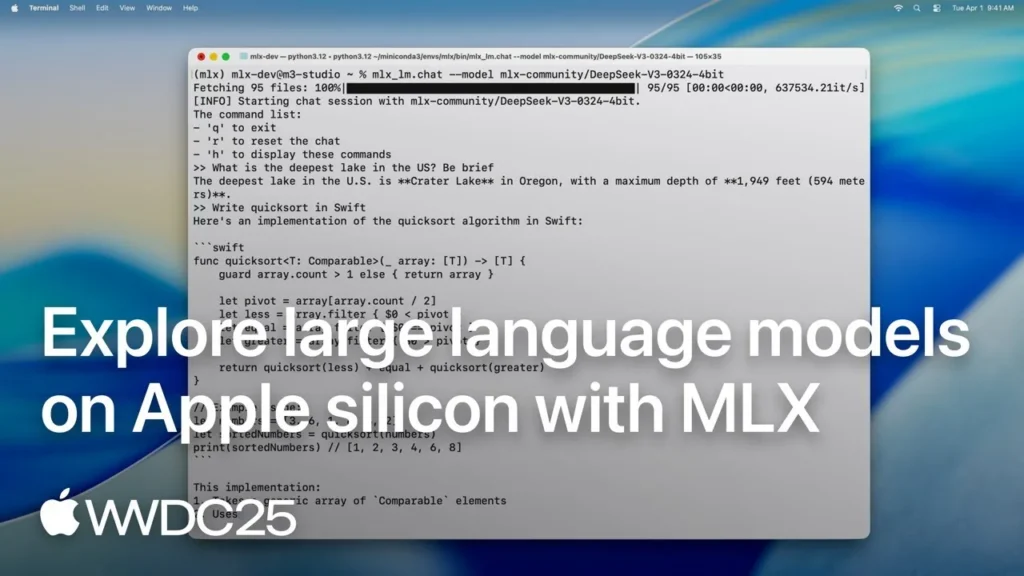
This is Apple’s WWDC25 session on language models with MLX. We watched it through its subtitles: it shows mlx_lm.generate, converting and quantising a model with mlx_lm.convert and training a LoRA adapter on a 4-bit model. Its model choices are from 2025; the versions on this page are from today. If what worries you is how big each file is, our MLX vs GGUF comparison weighs the same models in both formats.
Quantisation: fewer knobs or more files
mlx-lm can quantise while it converts: add -q. By default that means its affine mode at 4 bits in groups of 64; the --q-mode option also accepts mxfp4, nvfp4 and mxfp8, and there are 4 ready mixed recipes (mixed_2_6, mixed_3_4, mixed_3_6 and mixed_4_6) that keep the touchy parts at more bits. There are also heavier routes (DWQ, AWQ, GPTQ) if you enjoy that sort of evening.
llama.cpp works the other way round: its converter writes the model at 16 bits by default (or 32, 8 or ternary), and then llama-quantize produces the familiar names, such as Q4_K_M, Q5_K_M or the IQ family. The good news is that you rarely do it yourself, because those files are already in the repositories. The catch is choosing: a single repository can offer up to 27 quantisations.
Servers: 8080 against 9931, and the 512-token surprise
Both give you a local server with OpenAI-style routes that only listens on your own Mac (127.0.0.1) and asks for no key. The details are where they part ways:
- mlx_lm.server listens on port 8080. If a request does not say how long the answer may be, it stops at 512 tokens; temperature 0 by default; one model loaded at a time (ask for another and it swaps). It accepts calls from any web page (CORS open) and warns at every start that it is not meant for production.
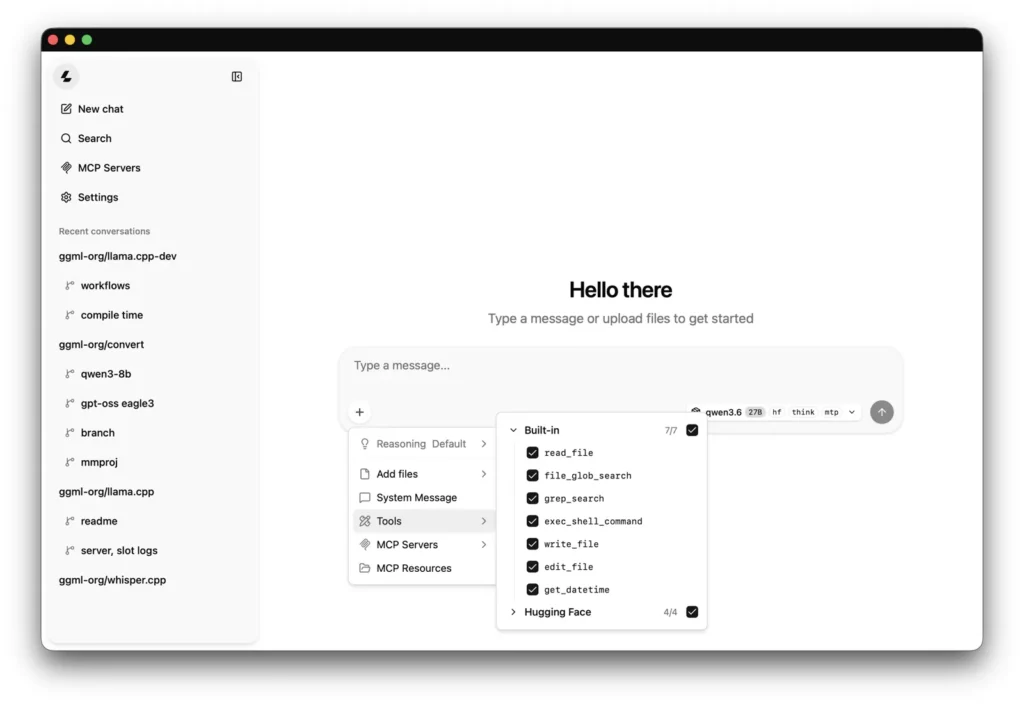
- llama-server listens on port 9931 since v0.7.0 (8080 before). It has no answer limit by default, takes the context the model was trained with and trims it if memory is short (never below 4,096 tokens), and opens 4 slots for 4 requests at once. It also serves its own chat page at the same address, and by default reflects any web page’s origin, with a warning in the console if you have not set a key.
Opens on YouTube (no cookies) only when you press play. More videos on its sheet →
IBM Technology’s explainer, which we also watched through its subtitles, is a calm walk through what llama.cpp is: GGUF, quantisation, Metal, CUDA and llama-server. When it starts the server it sets port 8080 itself, so its command works as shown; without that option you would land on 9931.
Memory and Metal on Apple Silicon
On a Mac with Apple Silicon both use the graphics chip through Metal, each with its own code, and both live with the same rule: the processor and the graphics chip share one memory, so the model, its context and your other apps come out of the same pool. mlx-lm asks macOS how much of it the graphics chip should use and fixes that limit when it loads. Both can shrink the conversation cache: mlx-lm with --kv-bits, llama.cpp with its cache-type options (16 bits by default).
On an Intel Mac the story is short. The official macOS build of llama.cpp for Intel comes without Metal, so it runs on the processor, and mlx-lm needs a native ARM Python. If your Mac has an Intel chip, llama.cpp is the one that still runs.
What each one sends on its own
This is the part we care most about on this site, and both behave well. llama.cpp has no telemetry and no update check; we counted its network on 25 August and re-read the code of v0.8.0 on 30 October: the 2 new ways out it brings (a peer-to-peer tunnel, --connect, and a “Discover Models” switch in the chat page) are both off by default. It only connects when you ask it to: to download a model (with -hf and similar options at launch, or through a request to /models if you start llama-server without a model) or to fetch an image, audio or video that a request passes by web address.
mlx-lm sends nothing of its own either (re-checked on 0.32.2 on 17 October). It only goes out when asked: to download models, through Hugging Face’s library, which also checks whether the model changed when you load it by name (HF_HUB_OFFLINE=1 stops that once your models are on disk); to fetch an image a chat request passes by web address; and to download calibration data if you quantise with AWQ, GPTQ, DWQ or dynamic quantisation. Every mlx-lm connection, with its source, is on the MLX runtime page, and the llama.cpp page has how to install it and its versions.
Which one we would use, and what we do not know
- You want the widest choice of models: llama.cpp. Its stable version covers all 6 models in our catalogue that mlx-lm still lacks; the sixth, Mistral Large 4, since v0.9.0 (4 November 2026), and at 591.21 GiB in Q4_K_M it fits on none of our machines.
- You live in Python, or want to fine-tune: mlx-lm.
mlx_lm.loratrains adapters even on 4-bit models, and llama.cpp’s own training README says its fine-tuning is “very much WIP”. - Your Mac has an Intel chip: llama.cpp, on the processor.
- Your app needs several requests at once: llama-server starts with 4 slots; mlx_lm.server batches what it can, with one model loaded.
What we do not know: which one is faster on your Mac with your model. We did not measure it, and it changes with the chip, the model and the version. It is quick to check: mlx_lm.generate prints tokens per second for the prompt and for the answer, and both ship a benchmark: mlx_lm.benchmark and llama-bench. Same model, same size, same prompt, and you have your own number.
If you are weighing either against Ollama, our llama.cpp vs Ollama and MLX vs Ollama comparisons pick up where this one stops, and the Model Finder tells you which of the 28 fit in your Mac’s memory.